Guide
CAA Records and Let's Encrypt
Use CAA records to state which certificate authorities may issue for your domain, then verify issuance rules before HTTPS rollout.
This guide is for operators who want tighter control over which certificate authorities can issue certificates for a domain or subdomain.
CAA records are not required for every small site, but they are useful when certificate issuance should be explicit. The important part is understanding that a CAA record can also block issuance if it is too narrow or outdated.
Pre-flight checklist
Before adding CAA, confirm:
- which certificate authority your hosting platform uses
- whether wildcard certificates are needed
- whether subdomains inherit the intended policy
- who will update CAA if the hosting provider changes
- how you will test issuance after the record is live
Do not add CAA just to look more serious. Add it because the issuance policy is known.
Who this is for
Use this guide when:
- a platform uses Let’s Encrypt for custom domains
- security policy requires named certificate authorities
- wildcard certificates are part of the plan
- a previous CAA record blocked certificate issuance
Basic CAA example
A simple CAA rule allowing Let’s Encrypt can look like this:
example.com. 300 IN CAA 0 issue "letsencrypt.org"For wildcard certificates, you may also need issuewild:
example.com. 300 IN CAA 0 issuewild "letsencrypt.org"Exact policy depends on your certificate provider and hosting platform.
Field capture
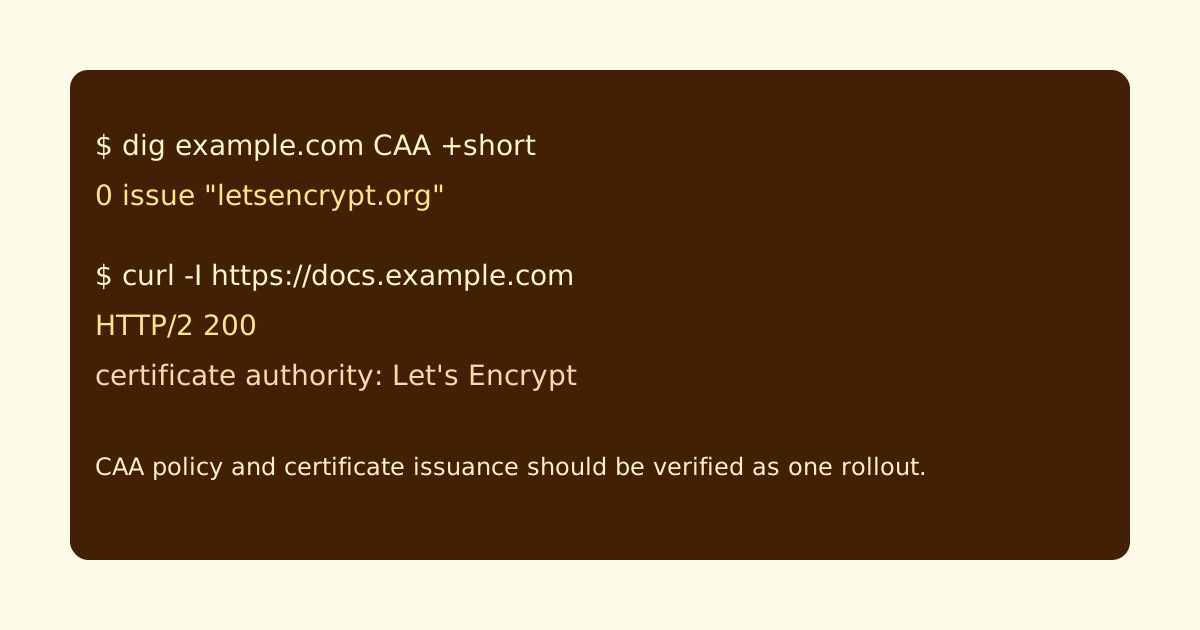
Keep the CAA answer next to the HTTPS check. When issuance fails, this capture tells you whether DNS policy was part of the problem.
Verify the record
Check CAA directly:
dig example.com CAA +shortExpected output:
0 issue "letsencrypt.org"Then verify HTTPS after the hosting platform finishes issuance:
curl -I https://docs.example.comIf certificate issuance fails after adding CAA, inspect the provider’s certificate authority requirements before editing unrelated DNS records.
Common failure cases
- A CAA record allows one CA, but the hosting platform uses another.
issueis configured but wildcard issuance needsissuewild.- A parent-domain CAA policy affects a subdomain unexpectedly.
- The team changes hosting providers and forgets to update CAA.
- CAA is treated as a speed optimization instead of an authorization rule.
Launch checklist
Before relying on CAA, confirm:
- the hosting platform’s CA is allowed
- wildcard needs are handled explicitly
- DNS queries return the intended CAA policy
- HTTPS issuance succeeds after the policy is active
- the policy owner is documented for future migrations
CAA is a trust control. It works best when it is boring, documented, and tested against the exact provider issuing your certificates.
Manual review
Need a root-domain name reviewed?
and.guide reviews specific root-domain subdomain requests manually. Approval is limited, provisioning is never guaranteed, and honest project context matters more than speed.